All your E-mail, from all your accounts, in one place
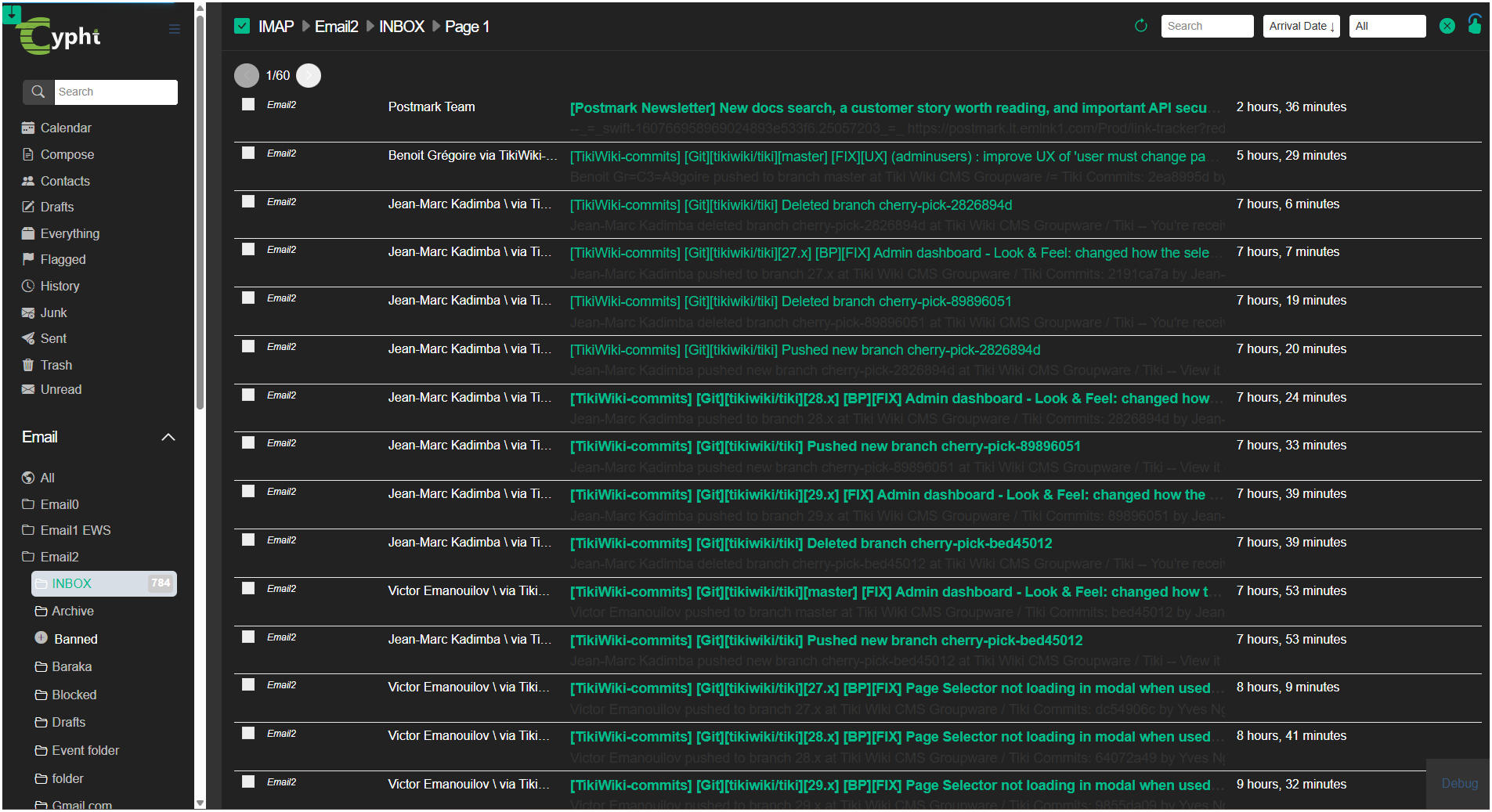
Cypht (pronounced "sift") is like a news reader, but for E-mail. Cypht does not replace your existing accounts - it combines them into one. It's also a news reader.
Cypht (pronounced "sift") is like a news reader, but for E-mail. Cypht does not replace your existing accounts - it combines them into one. It's also a news reader.


Trusted by 21,000+ happycustomers worldwide
What is Cypht?
Cypht (pronounced "sift") is like a news reader, but for E-mail. Cypht does not replace your existing accounts.
The driving force behind Cypht development is to provide combined views for multiple accounts, but it's also a standard E-mail client that lets you browse and manage IMAP folders and send outbound messages with SMTP.

Cypht is an application built entirely of plugins, or as we call them, module sets (which is obviously way cooler sounding than plugins), that are executed by the framework. Modules provide a flexible way to add new features or customize the program without hacking the code.
Cypht is Open Source (LGPL V2), and written in PHP and JavaScript. If you are looking for a lightweight webmail solution for an ISP, school, business, or just personal use, I hope that Cypht can help!
Cypht combines all your email accounts into a single, secure interface, offering you a unified and seamless communication experience.
Get unified views for inbox, unread, sent, and flagged messages across all your accounts in one place, including RSS feeds.


Move or copy emails between accounts. Compose in plain text, HTML, or Markdown with flexible signature options.

Search all your email accounts and RSS feeds simultaneously with a powerful yet simple search interface.
Expand functionality with modules for IMAP, SMTP, LDAP, WordPress, Github, and more.
Organize your inbox with Sieve email filtering that works even when you're offline.
Support for IMAP, LDAP, database, and popular email providers with auto-discovery.
See all featuresTrusted by users in more than 50 countries and thousands of developers worldwide.
Our team will answer all your questions, we ensure a quick response.
Contact Our Team